AI in Enterprise BI: Faster Answers Depend on Trusted Data and Controls
- Cargo
- Machine Learning
- Shipped
- Shipper
- KDnuggets
- Readers
- 308
AI can make enterprise analytics easier to use, but reliable answers depend on current data, shared metrics, access controls and human review.
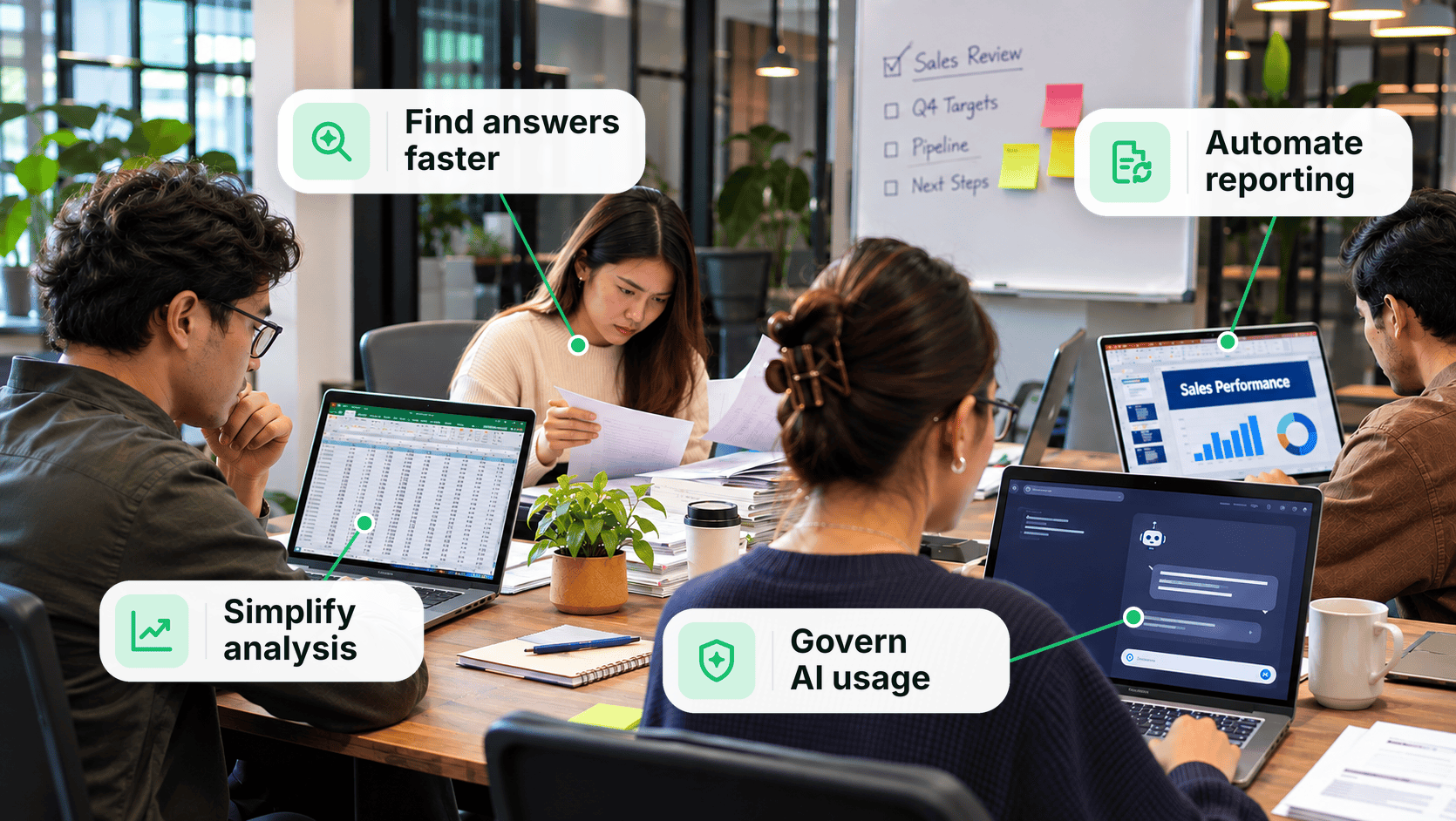
AI can lower the effort required to get answers from business data, but it can’t make unreliable data or inconsistent definitions trustworthy. For enterprise BI teams, the practical opportunity is to let employees ask everyday questions, spot relationships across metrics and respond to findings sooner—while keeping answers grounded in governed data that people can verify.

That shifts the adoption question from whether to add a conversational interface to how it fits into an existing analytics foundation. Reporting speed matters, but so do data freshness, access boundaries and accountability for decisions made with AI assistance.
Make business information easier to reach
Employees often depend on analysts or IT teams when a dashboard doesn’t answer a new question. Self-service BI can help, but users may still need to understand data structures, query languages or report-building tools. Even a straightforward operational question can turn into a reporting request.
A natural-language interface can shorten that path. An operations manager might ask how many orders are awaiting fulfillment today, then request a breakdown by warehouse. If the interface is connected to the relevant business datasets, it can return the figures without requiring the manager to write SQL or create a new report.
The value is broader access to existing business information, not just a different way to search. Teams still need to know what a result measures and whether its underlying data is current.
Connect metrics to decisions
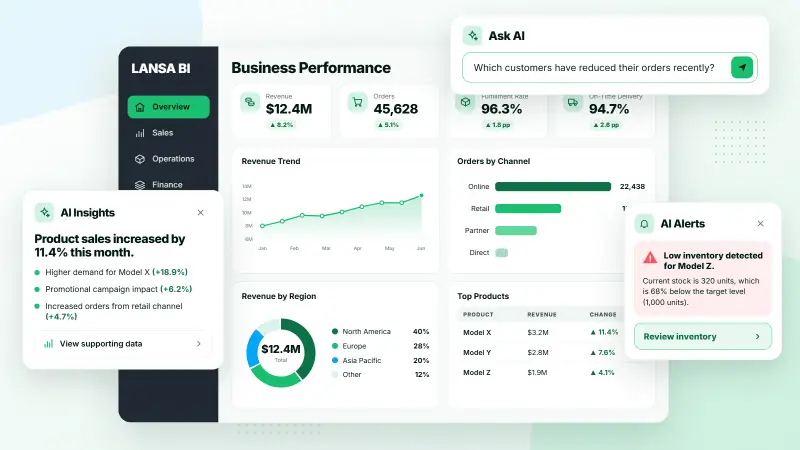
Getting data is only one part of analysis. A team may have dashboards covering many functions yet find it hard to connect the results or identify what action they suggest. AI-assisted analysis can examine several metrics together, offer possible explanations and help users consider next steps.
For example, a retailer could investigate recurring stockouts despite having enough inventory overall. An AI feature might examine demand patterns, stock distribution across warehouses and supplier lead times to identify possible bottlenecks and replenishment priorities. That analysis can help focus an investigation; the figures and assumptions still need review before the team acts.
AI can also help communicate findings. It can turn results into short narratives for teams to discuss, flag emerging issues and notify people who may need to respond. Embedding explanations and alerts in BI dashboards can put time-sensitive findings closer to the work they affect.
Build guardrails into the BI foundation
AI answers are only as dependable as the data and business context behind them. Incomplete records, stale extracts and conflicting definitions can all produce answers that sound precise but mislead users. Managed connections, prepared datasets, analytical models and access controls in a BI platform can provide a stronger base for AI features.

Use current, dependable data
A comparison between today’s orders and last month’s sales may be misleading if the underlying extract hasn’t been refreshed. BI teams need to connect operational systems, prepare datasets and manage refresh schedules so AI features can use a timely view of the business. Users also need enough context to understand when a dataset was updated.
Give metrics shared definitions
Teams may use the same term to mean different things. One group might define “revenue” as gross sales, while another uses net sales. An AI interface could then return conflicting answers to similar questions. Governed metrics and semantic models help anchor responses to consistent calculations and terminology.
Respect access permissions
Natural-language access should follow the same data permissions as other BI features. A sales representative shouldn’t be able to retrieve restricted financial or employee records by changing the wording of a query. Organizations also need to review what information is sent to an external AI service and how the interface applies existing roles and data-level permissions.
Make answers checkable
An explanation is easier to assess when users can inspect its evidence. If AI links a decline to a customer segment, people should be able to review the supporting figures and assumptions. Reports, governed calculations and drill-down views give teams a way to test whether a proposed explanation holds up.
Keep people responsible for decisions
Reports rarely capture every operational constraint. A recommendation to reduce inventory, for instance, could conflict with an upcoming promotion. BI can give teams a shared reference for discussing the evidence alongside plans that aren’t reflected in the data. People remain responsible for deciding whether a recommendation makes sense.
Track accuracy, use and cost
Adoption should be judged through day-to-day results: whether employees find answers faster, routine requests to IT decrease, or teams respond sooner to important findings. BI usage and performance measures can help establish a baseline and track those changes. Monitoring AI features can also surface accuracy problems, integration issues and costs.
Integrate AI with enterprise BI
LANSA BI brings together and standardizes enterprise data, and integrates with AI model providers for natural-language queries, analysis and data storytelling. Developers can also embed AI-powered BI in business applications, placing analytics within existing workflows. The product includes security and governance controls intended to protect sensitive information as usage expands.
These capabilities point to a practical test for enterprise teams: can users get useful answers faster while still tracing them to current, consistently defined data they’re allowed to see? A proof of concept using real business data can help assess that question, along with accuracy, adoption, integration effort and operating cost.


